
Pick the weak section
Hero, product page, cart, collection, mobile menu, or before/after offer block.
Ecommerce Page Fix Swipe File
A practical visual swipe file for ecommerce founders who want better product pages, hero sections, carts, mobile menus, collection pages, and offer blocks without staring at a blank canvas.
Use these examples to compare your own pages against stronger ecommerce layouts. Look for hierarchy, proof placement, mobile order, offer clarity, and the exact moment the page should make action feel easy.
Hero, product page, cart, collection, mobile menu, or before/after offer block.
Look at hierarchy, proof placement, product image, CTA, offer clarity, and mobile spacing.
Use a clean mobile screenshot when possible. Most ecommerce decisions happen there.
Borrow the order, clarity, proof placement, and CTA logic. Do not copy the brand or creative.
Want a direction for your own product page? Submit your product page URL and I’ll send a free first-screen direction preview. Use this swipe file while you wait.
Get Free PDP PreviewUse these when the store looks fine, but the offer, product value, trust, and CTA do not land in the first 3 seconds.
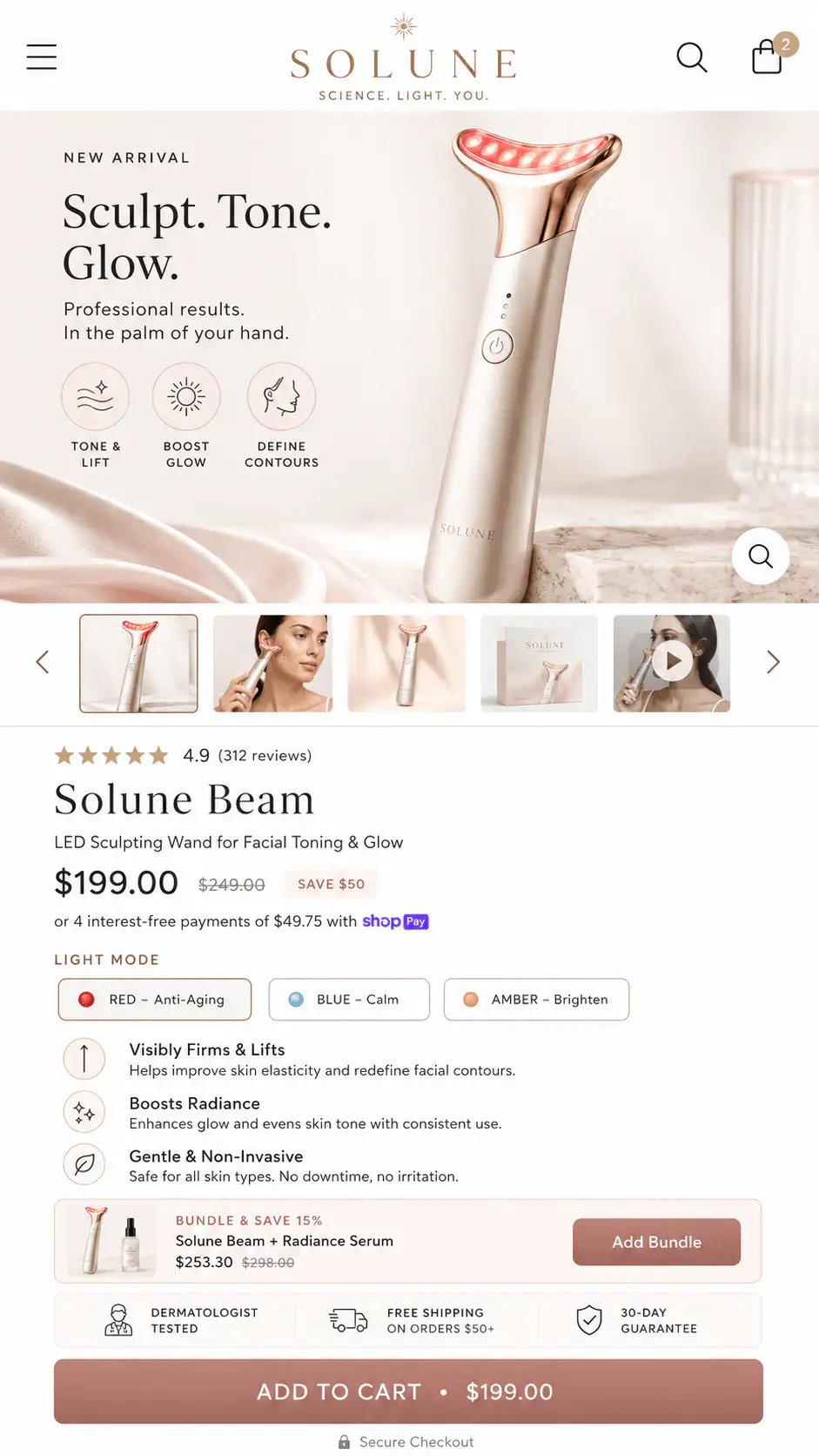
Use these for weak above-the-fold structure, unclear benefits, buried proof, confusing variants, or CTA placement that asks before the buyer believes.
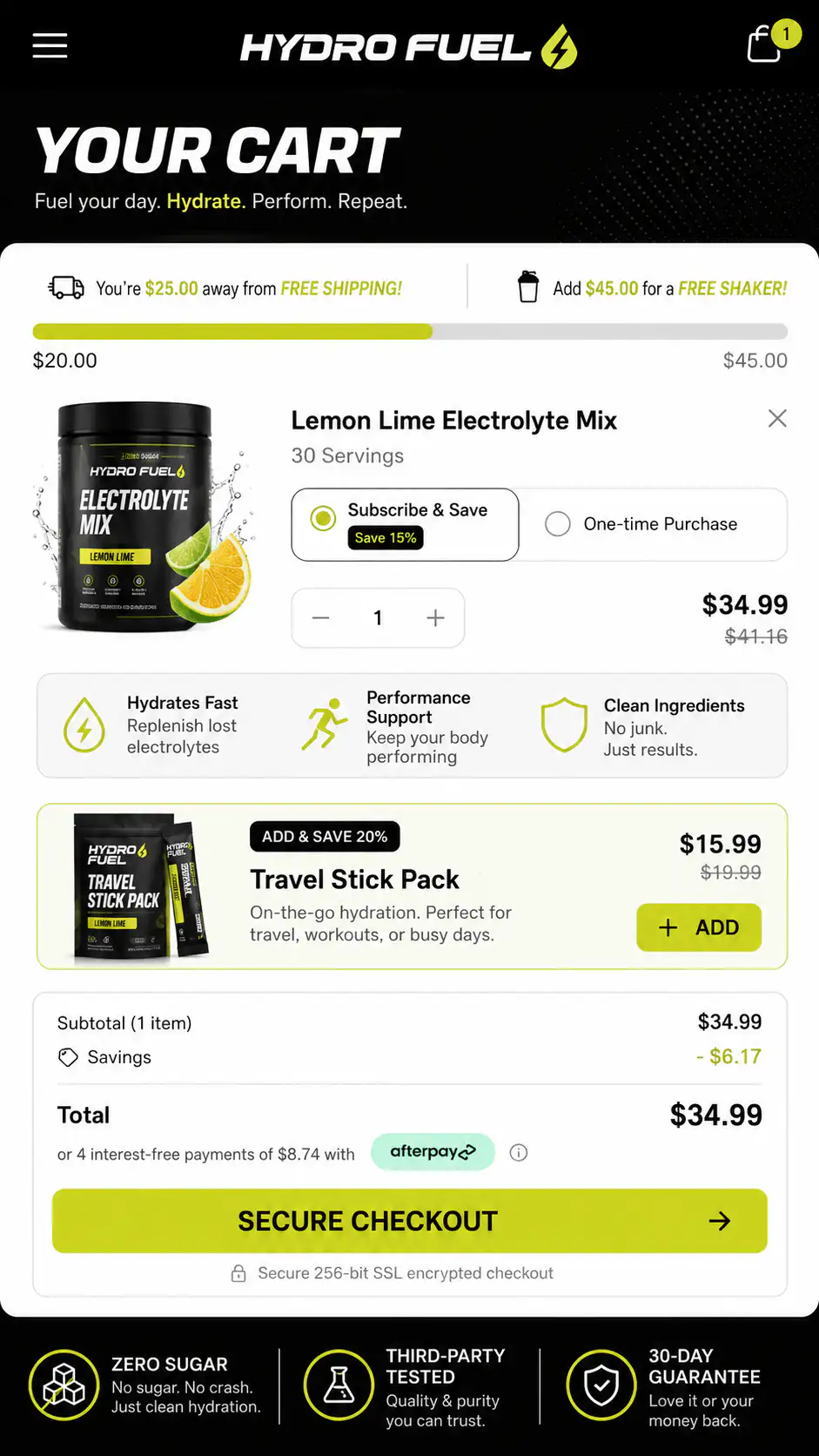
Use these when buyers add to cart, then stall because shipping, returns, trust, incentives, or next steps are not obvious enough.
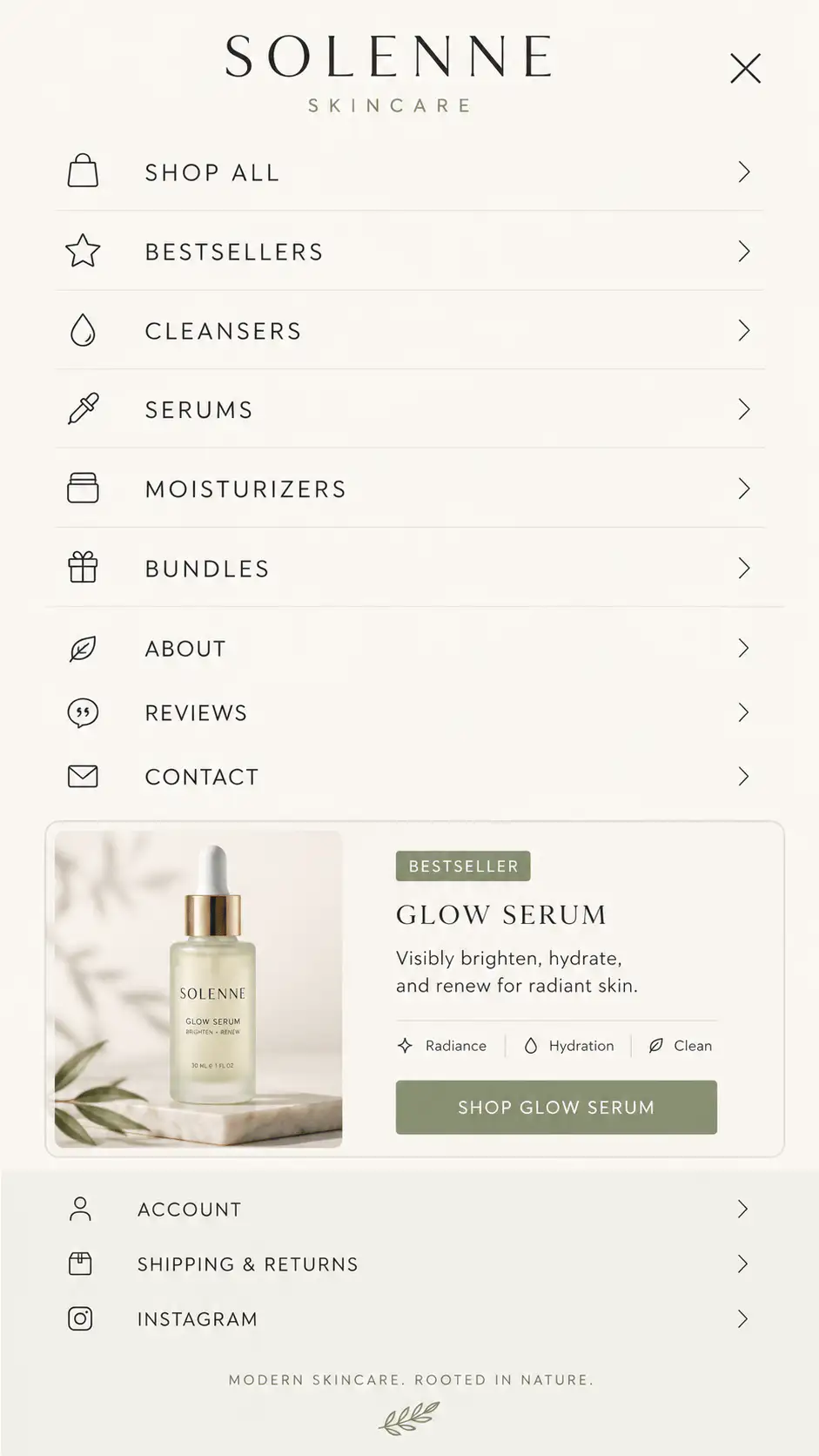
Use these when the mobile menu is just links. Strong menus guide shoppers by category, intent, social proof, and clear paths.
Use these when category pages feel like plain grids. Better collection pages add context, buying guidance, filters, proof, and useful product framing.
Use these when people do not understand the outcome, mechanism, or reason the product is different from cheaper alternatives.
Premium is not “make it minimal.” Premium is controlled hierarchy, believable proof, strong imagery, confident spacing, and fewer things fighting for attention.
Pick the reference category based on what is breaking in the buying journey.
Use hero, PDP, and collection references. Fix spacing, imagery, typography, and trust signals.
Use PDP references. Clarify product value, benefits, reviews, variants, and CTA placement.
Use cart references. Strengthen checkout clarity, delivery, returns, incentives, and guarantees.
Use before/after and offer sections. Show the result, mechanism, proof, and reason to believe.
Use mobile menu, cart, and PDP references. Mobile hierarchy matters more than desktop polish.
If the answer is “no” to more than two of these, the section probably needs another pass.
Need done-for-you help?
I can help turn the direction into an actual Shopify store, product page, landing page, or full redesign system. Bring your store, your bottleneck, and the section type you want fixed first.